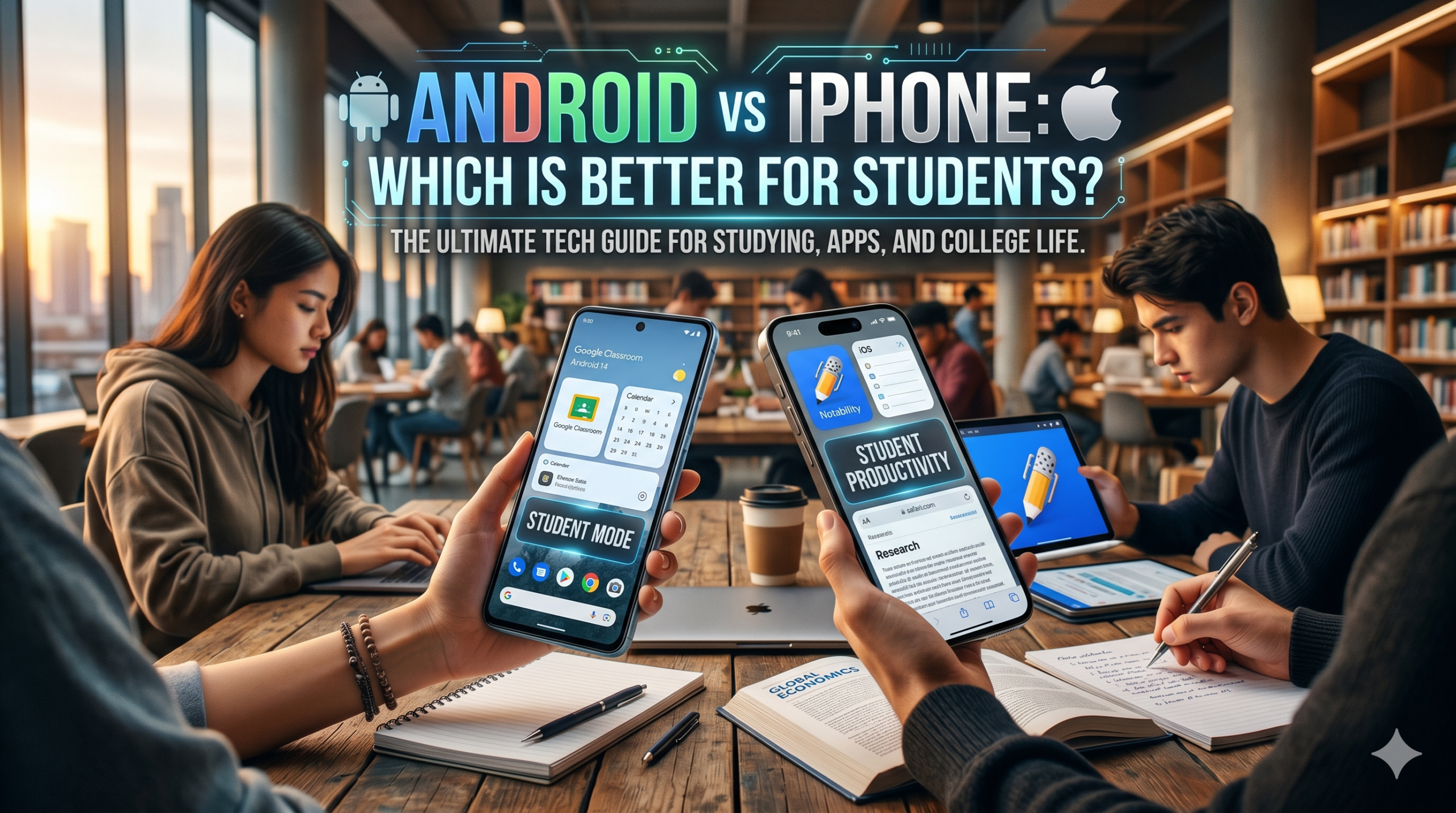
Choosing a phone is no longer just about personal preference; for students, it’s a matter of optimizing learning, staying connected, and managing finances. In the headset of bleeding‑edge apps, robust classroom tools, and endless customization, the debate between Android and iPhone often boils down to what features matter most for the modern learner.
App Ecosystem and Educational Support
Integrated Classroom Platforms
Students rely heavily on learning management systems like Google Classroom and Canvas. Android devices, by virtue of being the default platform for many educational institutions, enjoy first‑class support for these services. The Google ecosystem extends further: Chrome, Drive, and Docs offer seamless collaboration, especially useful for group projects that often involve cross‑platform team members.
iOS, conversely, packs a polish that can feel more familiar for users embedded in the Apple ecosystem. The Apple Classroom app, introduced in iOS 14, provides robust toolkits for teacher‑led management. Additionally, the App Store is tightly curated, bringing a sense of security that’s valuable for younger users or those working in sensitive research environments.
Third‑Party Productivity Tools
Android’s open‑source nature means any developer can deploy an app directly to devices, resulting in a wider variety of niche tools—PDF annotation apps, specialized science calculators, or specialized CAD viewers—without corporate gatekeeping. Students from disciplines that thrive on parametric engineering software will see early adopters on Android.
iPhone users benefit from the ubiquity of apps like Notability and PDF Expert, which integrate beautifully with iCloud. The slight premium in price often translates into tighter optimization, reducing the likelihood of crashes that can derail a mid‑term presentation.
Affordability, Flexibility, and Device Longevity
Price Points and Upgrade Cycles
The Android market offers a spectrum ranging from $200 flagships to $1,000+, giving students the freedom to choose hardware that fits a tight budget or a desire for high performance. Trade‑in programs and price‑matching are common, allowing older devices to remain viable for a longer time before a necessary upgrade.
Apple’s lineup starts at $699 for the baseline model, with each subsequent tier adding features—better cameras, ProMotion displays, eSIM, and, often, a longer software support horizon. Students who plan to use their device for multiple semesters can find value in a 64 GB iPhone XR or a refurbished Pro model that still receives iOS updates five years beyond its launch.
Customization vs. Consistency
Android’s customization canvas lets students tweak UI elements, set default apps, or tweak permissions to maximize efficiency. For example, setting a distraction‑free reading mode or automating homework alerts via Tasker can streamline workflow. On the other hand, iPhone’s consistency reduces the learning curve for new users; the tightly integrated system means fewer accidental misconfigurations in settings that could cost a student wasted time.
Productivity Management and Cross‑Platform Integration
File Storage and Collaboration
Android’s flexibility with local storage (microSD adapters, expandable slots) is a boon for students who manage large media libraries or hefty course files. Coupled with Google Drive’s free 15 GB quota, students can easily back up assignments without leaving campus.
The iPhone’s iCloud Drive offers 5 GB free, but its integration with macOS and other Apple products creates an almost invisible bridge between devices. When a student submits a final project via the university’s portal, a single tap from the iPhone can push the file directly to the server, eliminating the need for a desktop connection.
Note‑Taking and Annotation
Apple Pencil support (available on Pro and Mini models) transforms the iPhone into a digital whiteboard, particularly compelling for art majors, architecture students, or instructors conducting live drawings. Android’s stylus ecosystem is still catching up, with limited high‑precision options; however, affordable styluses like those from Wacom still deliver competitive performance for lighter note‑taking tasks.
Cross‑Device Synchronization
Students often juggle a desktop, tablet, or laptop. The continuity features native to Apple—Instant Hotspot, Handoff between iPhone and Mac—create a seamless experience when a presentation is interrupted. Android’s companion apps can bridge the gap, but the process remains less fluid and often requires manual toggling.
Summing Up: Which Device Best Fits the Student Life?
Both platforms bring compelling advantages, but the optimal choice hinges on the student